
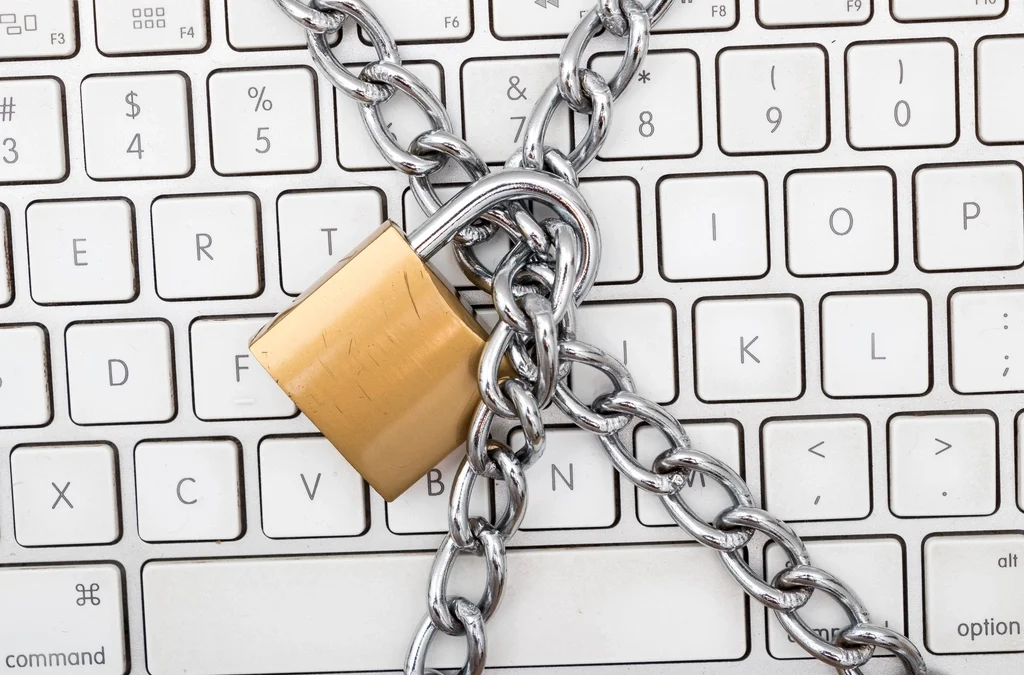
Hopefully everyone had a chance to try out the Copilot Chat prompts I wrote about last time. As I mentioned in our first newsletter, Artificial Intelligence (AI) is transforming our world, bringing many benefits. However, it also enables new and more sophisticated cyberthreats that affect not only businesses but also nonprofits and ministries.
As ministries prepare for end-of-year fundraising, Christmas services, and annual reports, security experts are reporting a dramatic increase in cyberattacks—up to 273 times more than before—against small and medium organizations. Gone are the days, if they every truly existed, where the idea that “we’re too small to be targeted” held true. Cybercriminals are finding that obtaining $50,000 from dozens of SMBs can be faster and less noticeable than an attack such as the Colonial Pipeline which brought numerous security agencies down upon the attackers.
AI makes these attacks easier and more effective, especially through improved malware and phishing emails. In fact, 89% of Microsoft 365 attacks begin with a phishing email.
You might ask, what are cybercriminals trying to accomplish with all the attacks. The simple answer is access to your data, which can either be used to extort money from your ministry and/or since all of you are trusted organizations, gain sensitive information about your staff, volunteers, donors and field contacts to compromise them.
Now the question is what can you do? Here are some tried, but trusted methods to help protect your organization:
- Don’t reuse password. Use a different password for every website or app. This way, if one password is stolen, your other accounts stay safe. If you’re worried about remembering lots of passwords, try a password manager (like 1Password, NordPass, or Proton Pass). CIM can also help you set up Passportal for your ministry.
- Make MFA (multi-factor authentication) the default. I can hear the groaning as you read that statement since no one likes MFA, but that extra little step you don’t like, could be what makes an attacker move on to an easier target.
- Install security software. Your personal devices should have an antivirus solution installed or better, yet a more advanced version called EDR (Endpoint Detection and Response). If you are using a work provided laptop or desktop, CIM makes sure this is taken care of. However, we are seeing an increase in work from personal devices, and they need to be protected as well. Bitdefender has been my go-to for my personal devices for years. Microsoft Defender has also seen great improvements over the years. Just remember to keep them updated.
- Keep your software updated. Software vendors are continuously fixing security flaws in their applications. In the last 6-months alone Microsoft has patched 12 actively exploited vulnerabilities.
- Use ministry email accounts. Your ministry provided email account has a higher level of security protection, then your Gmail or Yahoo account. One of the first things an attacker will do have gaining access to your email, is to forward it to their account. CIM can prevent this if you are using your ministry provided email account.
- Use ministry approved applications. Not all applications protect your ministry’s information to the extent that is needed. CIM works with your ministry leaders to make sure they are using software that will protect your data and your ministry.
- Don’t Overshare. 73% of organizations share sensitive data without using data loss protection. This exposes ministry data, donor lists, personal info to anyone with a link. To prevent this, don’t use anonymous sharing links, don’t move the data to another service to make sharing easier. I’ll provide tips for secure sharing in a future newsletter, so make sure your staff is signed up.
All of us have the same goal in terms of serving our lord and savior Jesus Christ. And we all have a responsibility to secure our ministries so we can fulfill that goal.
Jonathan Meester – VP & Chief Technologist, Computers in Ministry